
News

Speci version 2.0
  • June 18, 2026
  • Speci Team

New version of the Speci app - 2.0!

Mobile application:

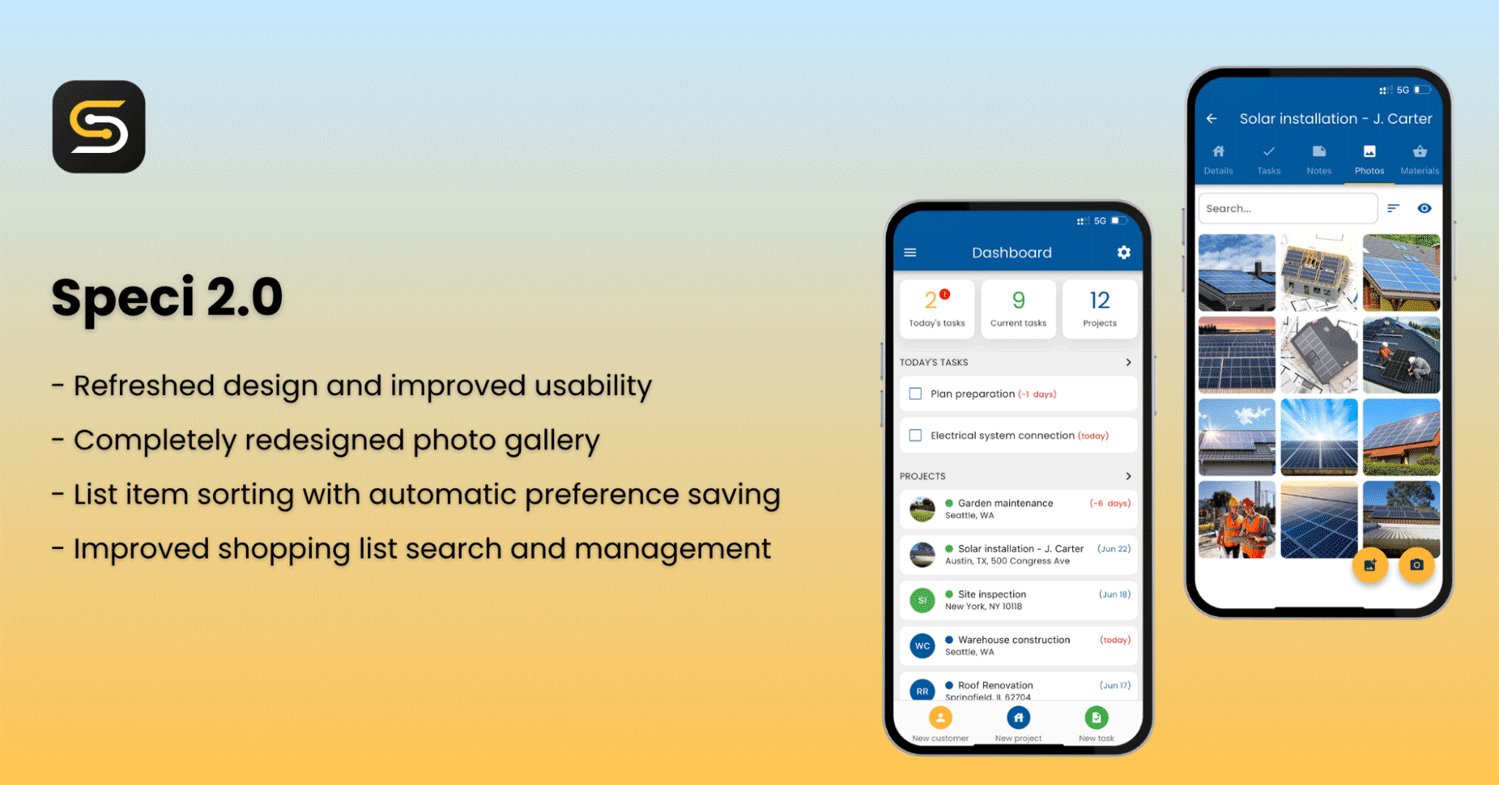
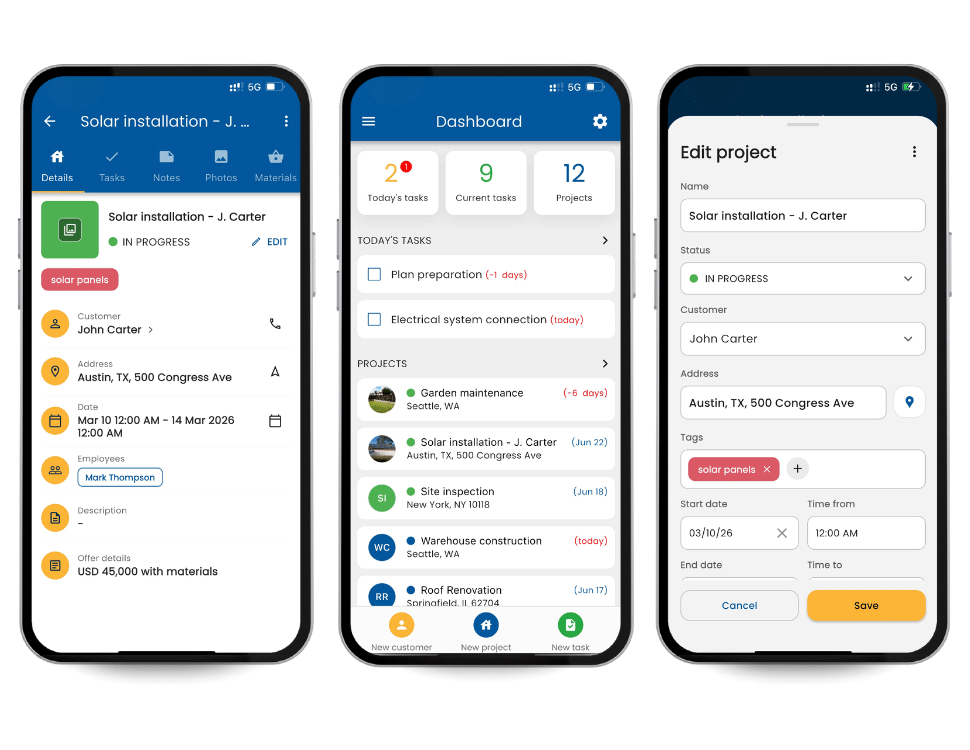
  1. Refreshed design and improved usabilityA refreshed interface has been introduced to improve clarity and ease of use. With these improvements, managing orders and using key features is now simpler and more intuitive.
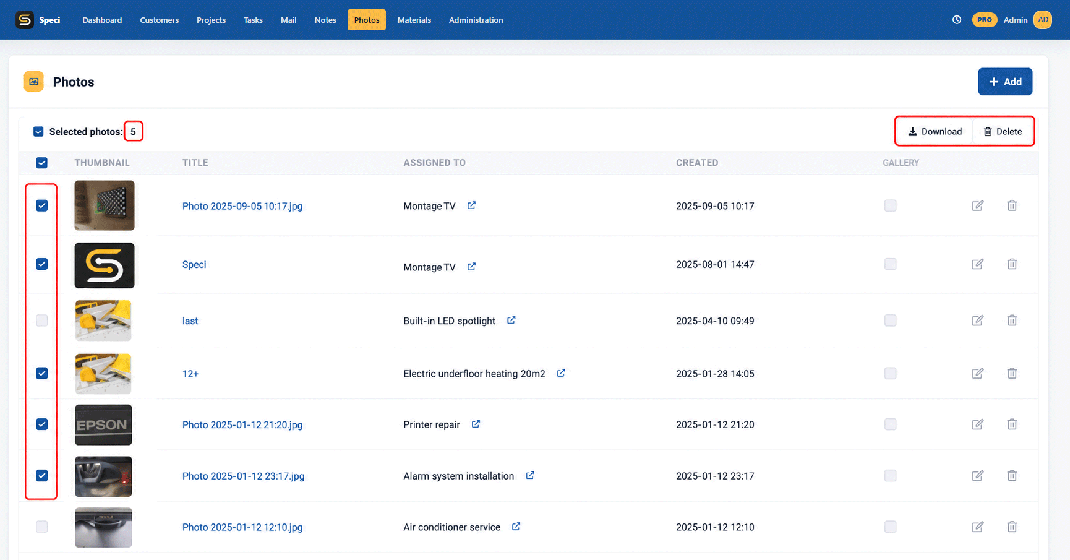
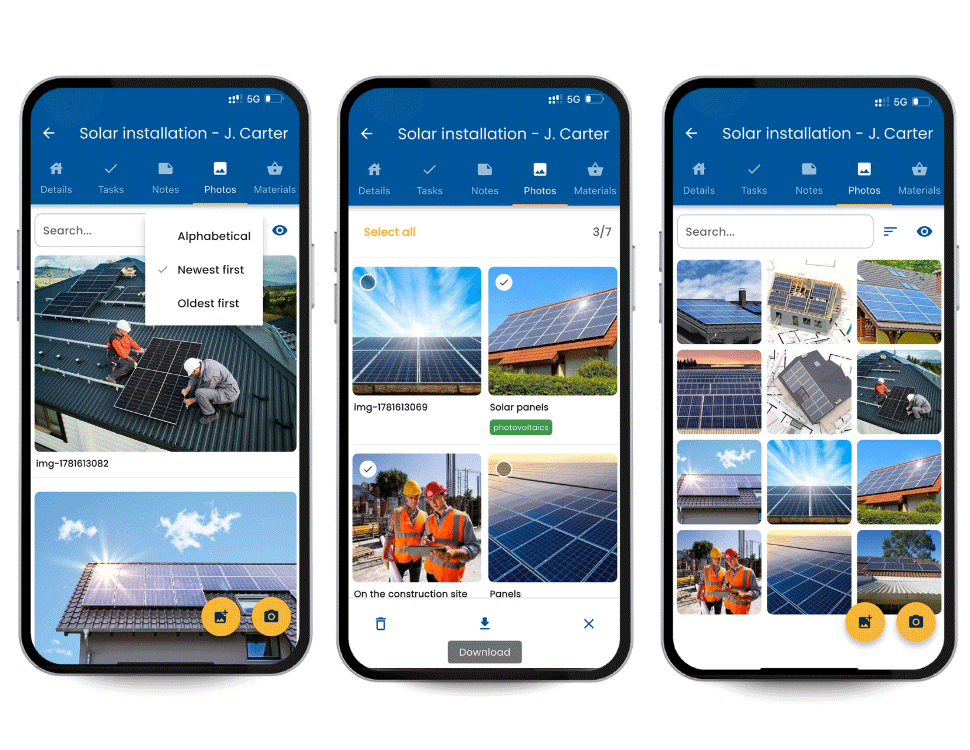
  1. Completely redesigned photo gallery with preview, zoom, and multi-photo supportThe new gallery provides a more convenient photo viewing experience with zoom functionality, adjustable layout and thumbnail sizes including gesture support, and the ability to manage multiple photos at once. In addition to uploading multiple photos simultaneously, users can now also download and delete selected photos in bulk.
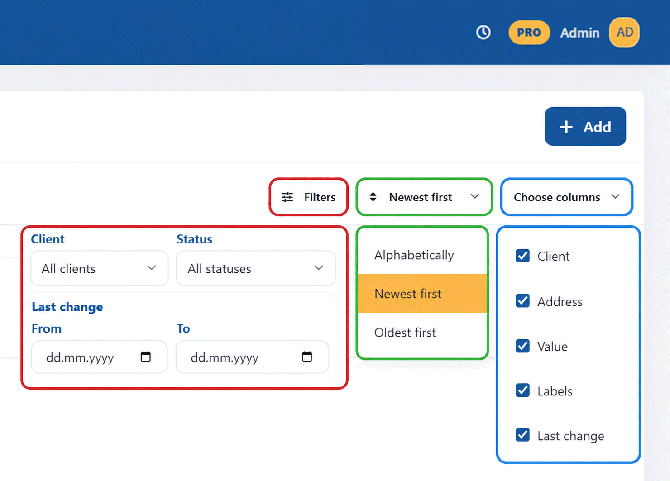
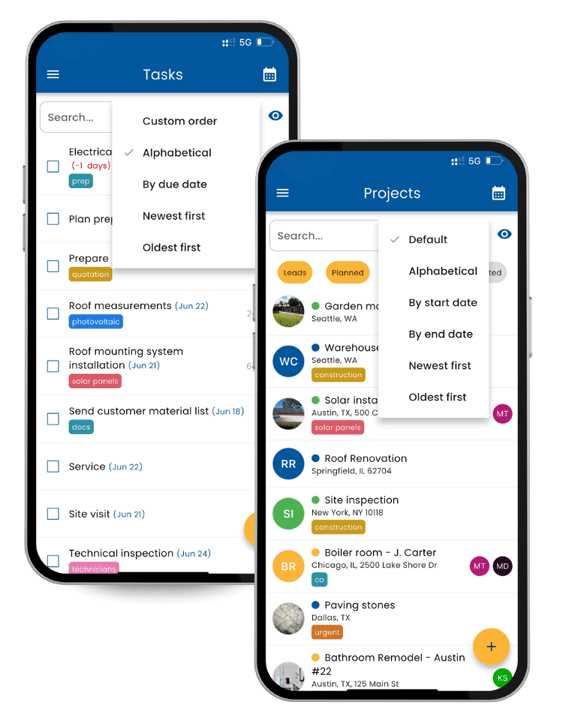
  1. List item sorting with automatic saving of preferencesConvenient item sorting has been added to lists, with automatic saving of the selected sorting order.
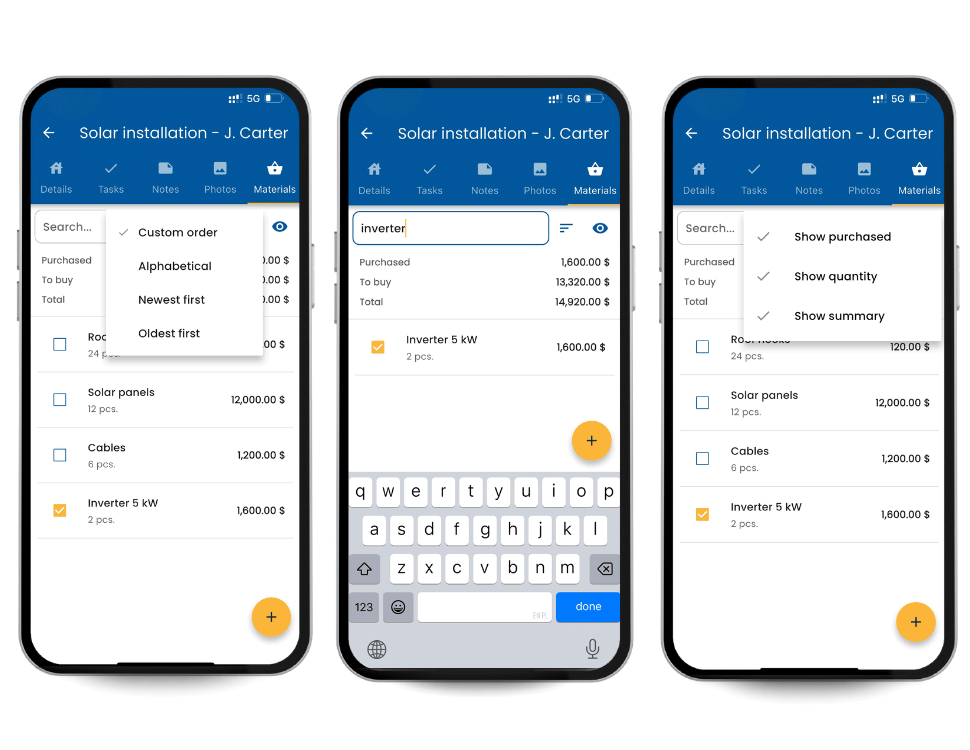
  1. Improved shopping list search and managementUsers can now quickly find specific items on shopping lists and customize both the list view and the displayed items according to their preferences.

If you have any questions or feedback about the new features, please write to us at speci@speci.io .
Latest release features in version 1.7
  • March 16, 2026
  • Speci Team

New Version of the Speci App - 1.7!

Mobile and Web Apps:

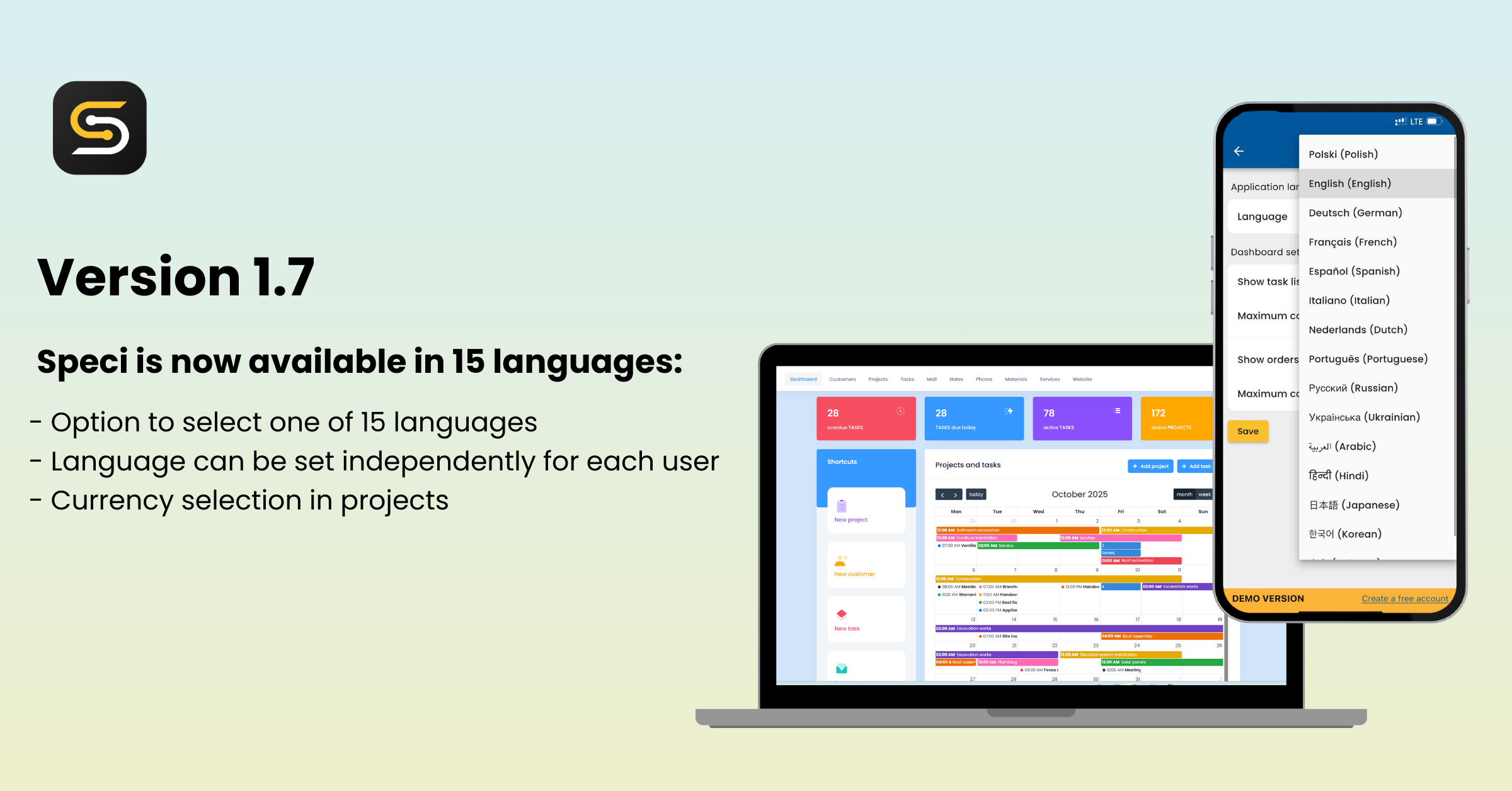
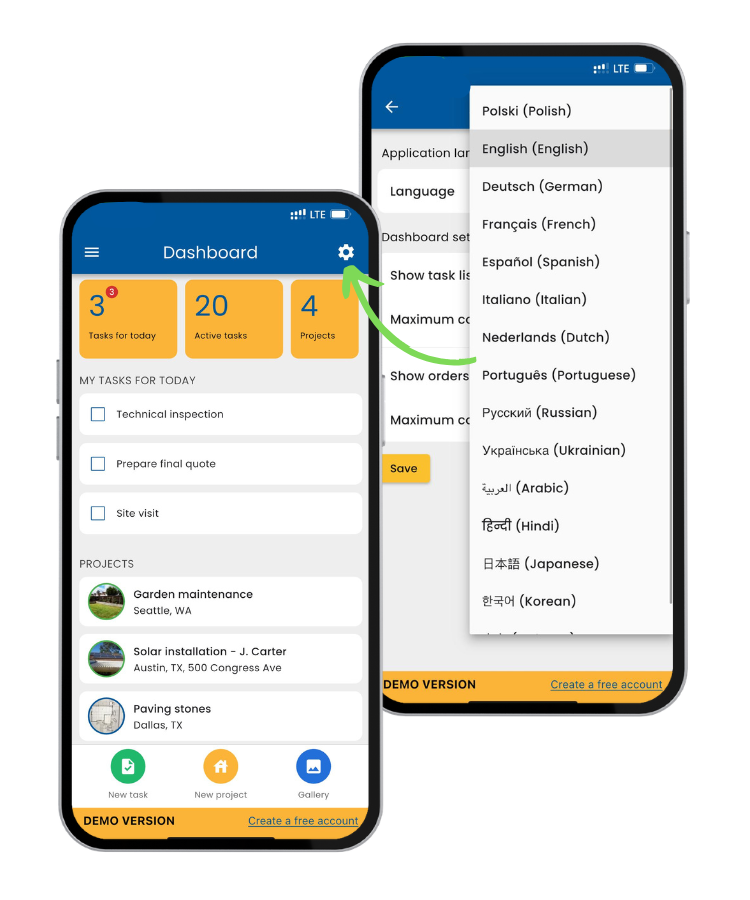
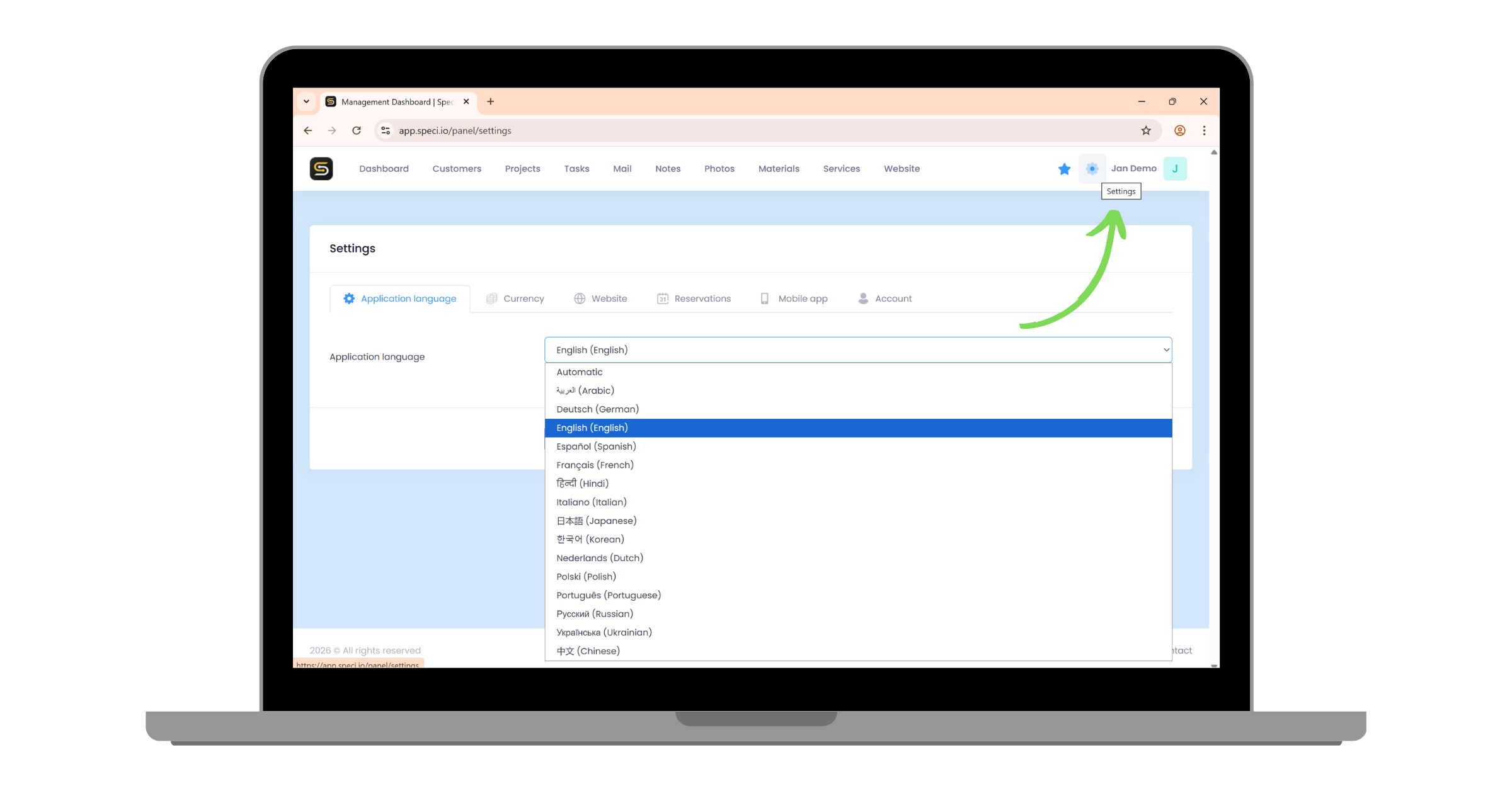
  1. Speci 1.7 is available in 15 languagesThe following languages have been added: English, German, French, Spanish, Italian, Dutch, Portuguese, Russian, Ukrainian, Arabic, Hindi, Japanese, Korean, and Chinese.
Ukrainian among the new languages
We added Ukrainian to make work easier for employees from Ukraine in Polish companies and to let them use the app comfortably.
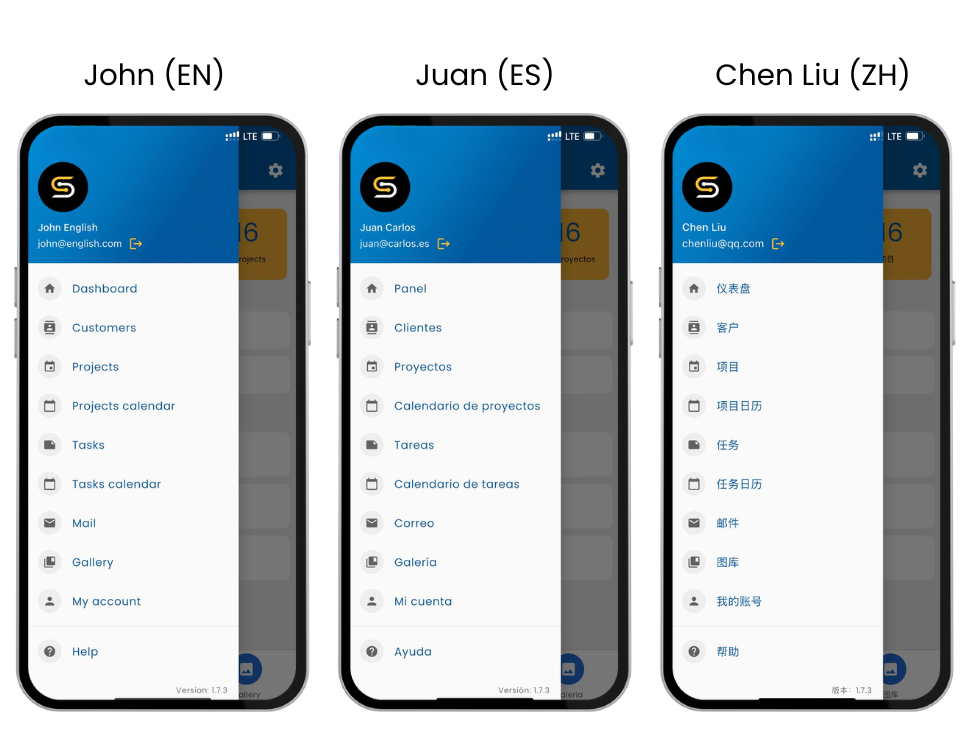
  1. Each employee can choose the language independently in the mobile and web appsEach employee can independently choose the language in the mobile and web apps. The language setting is saved individually for each account and does not affect the preferences of other users. The selected language is synchronized between the mobile and web versions, so a change made in one automatically applies in the other.
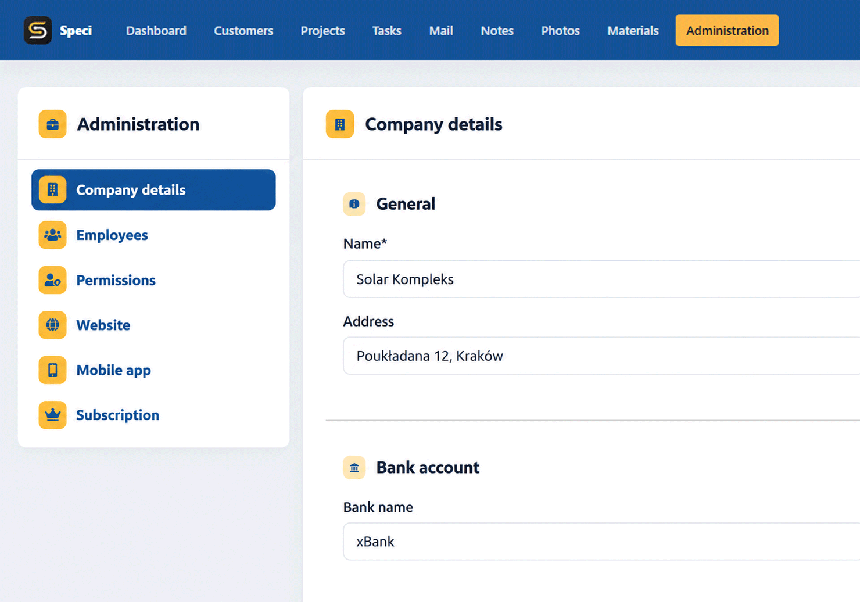
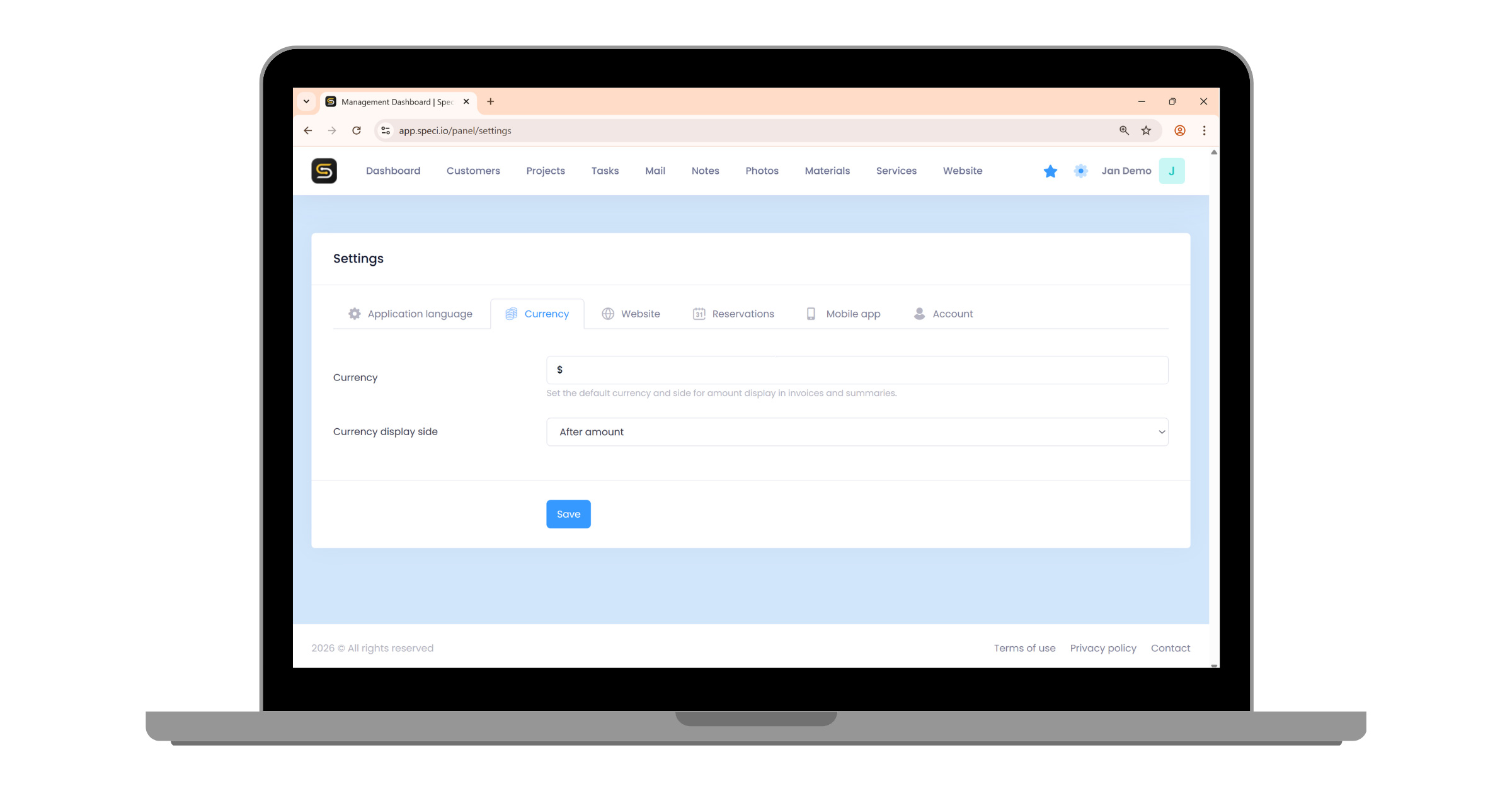
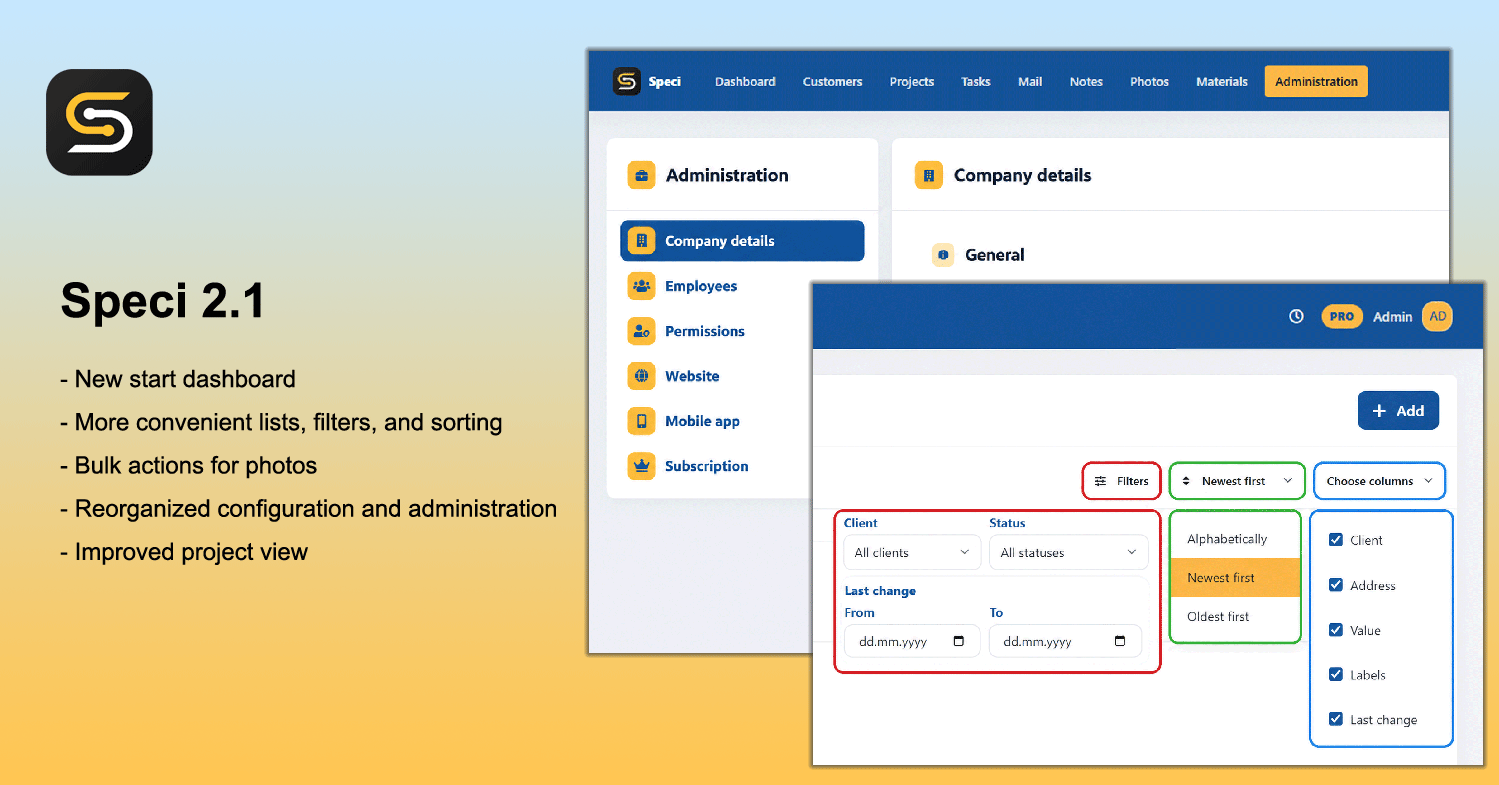
  1. Currency support in projectsThe settings now include an option to define a default currency, which after a one-time setup is automatically used throughout the app, including on invoices, the shopping list, and the project summary. When issuing an invoice, however, you can still choose any currency for a single document without changing the system settings. In addition, the settings page in the web app has been reorganized and optimized for easier use.

If you have any questions or feedback about the newly introduced features, be sure to write to us at speci@speci.io .
Latest release features in version 1.6
  • October 15, 2025
  • Speci Team

New Version of the Speci App - 1.6!

Mobile App:

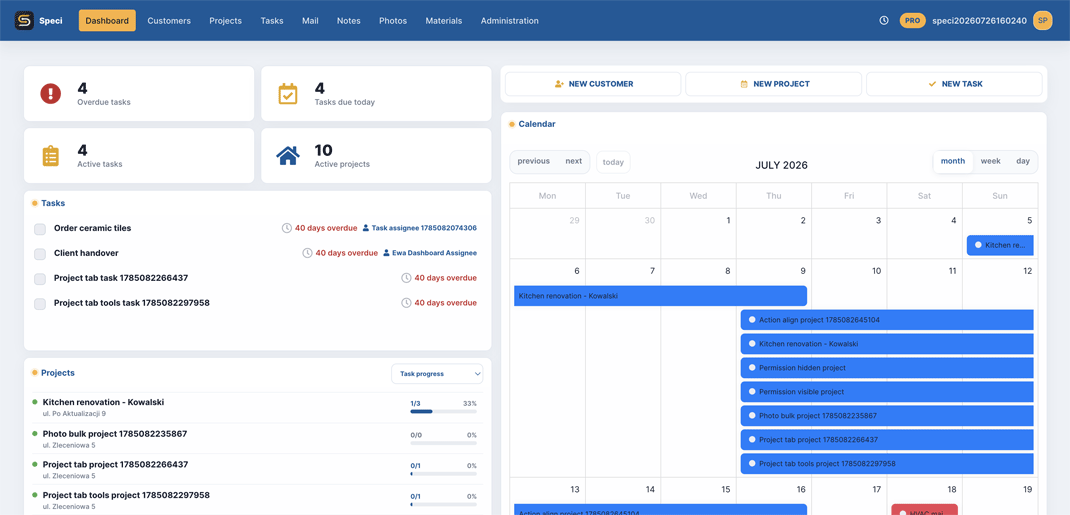
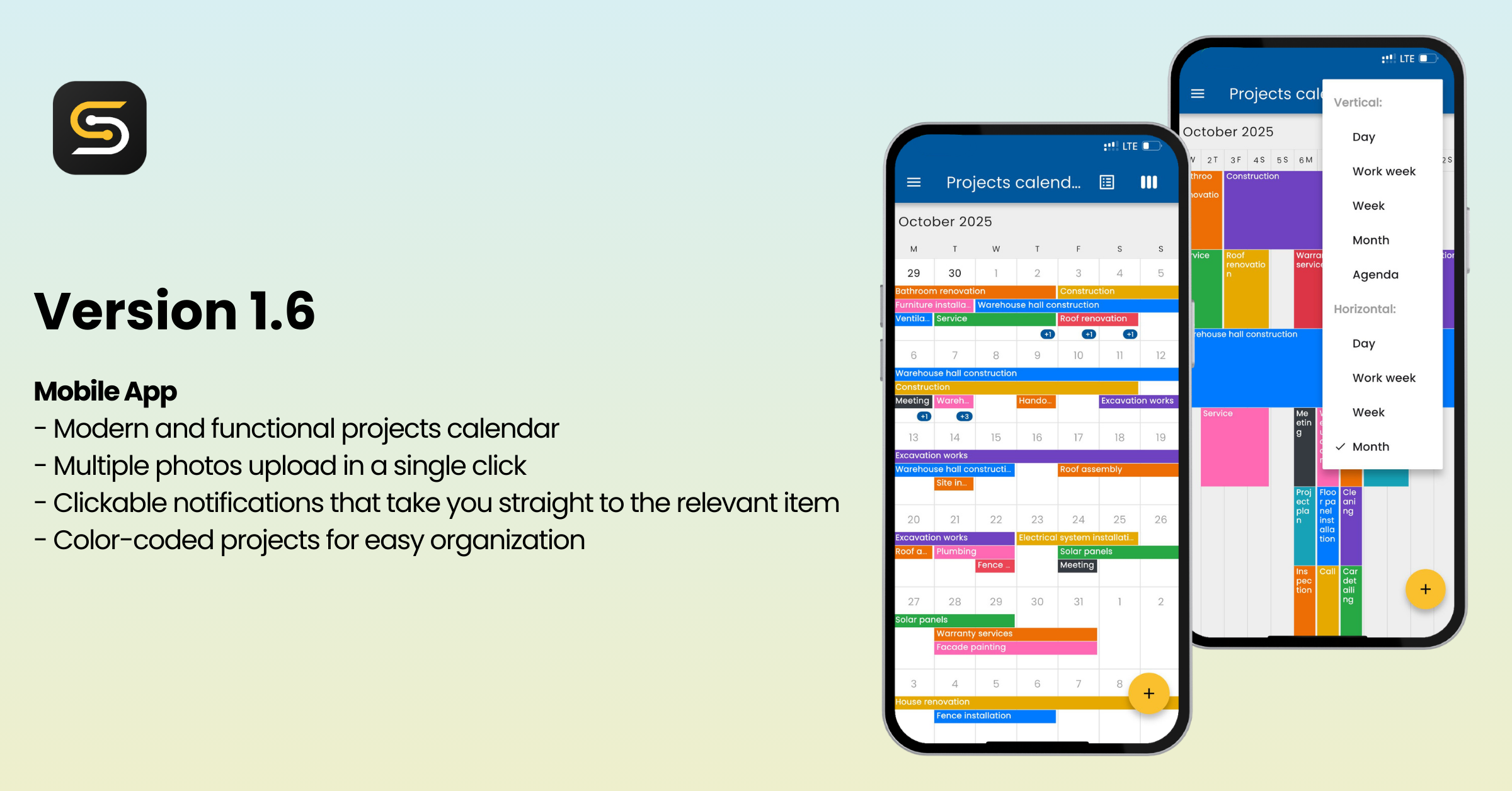
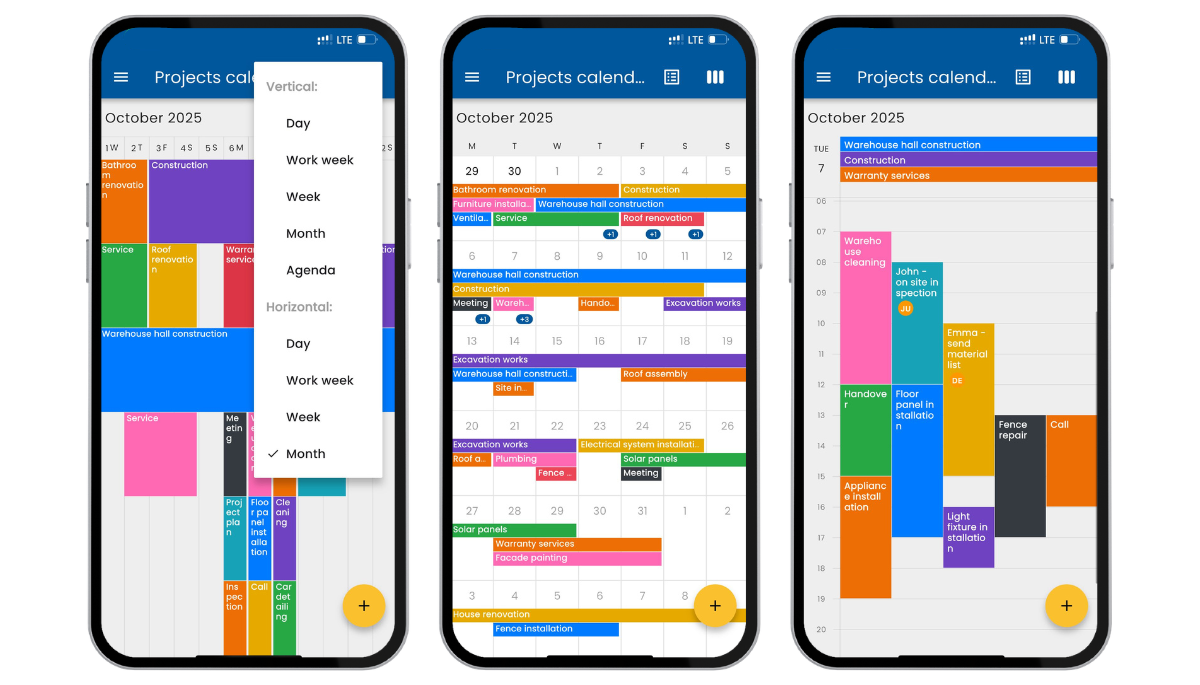
  1. Modern and functional project calendarA modern, clear, and fully interactive calendar lets you browse projects in different views, such as daily, weekly, or monthly, in both vertical and horizontal layouts. Colors assigned to projects are immediately visible in both the mobile app and the web calendar.
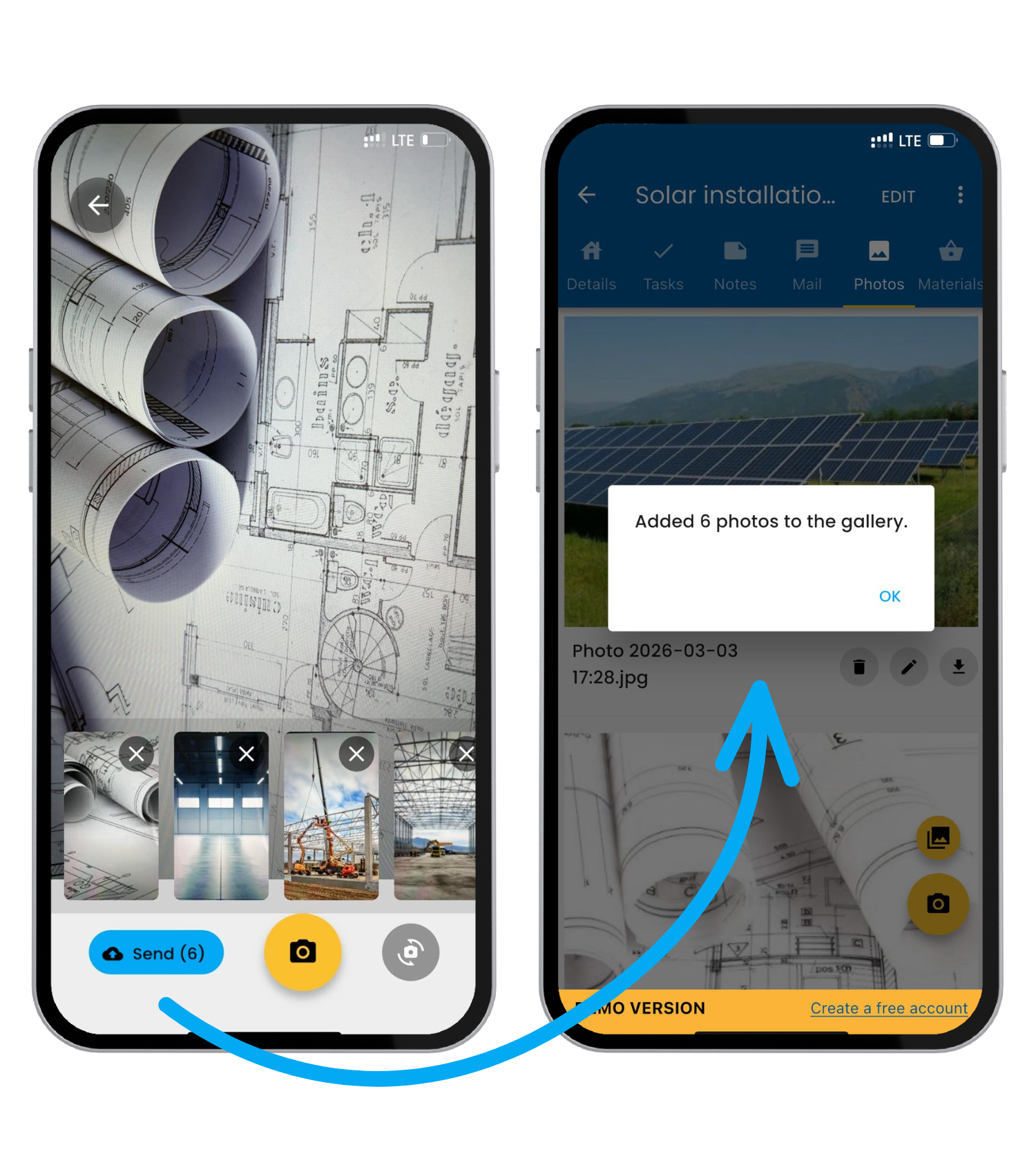
  1. Sending multiple photos at onceUsers can now add several photos to a project at the same time, either directly from the camera or from the phone gallery. The upload process is fast and intuitive, and the photos are automatically added to the project gallery.
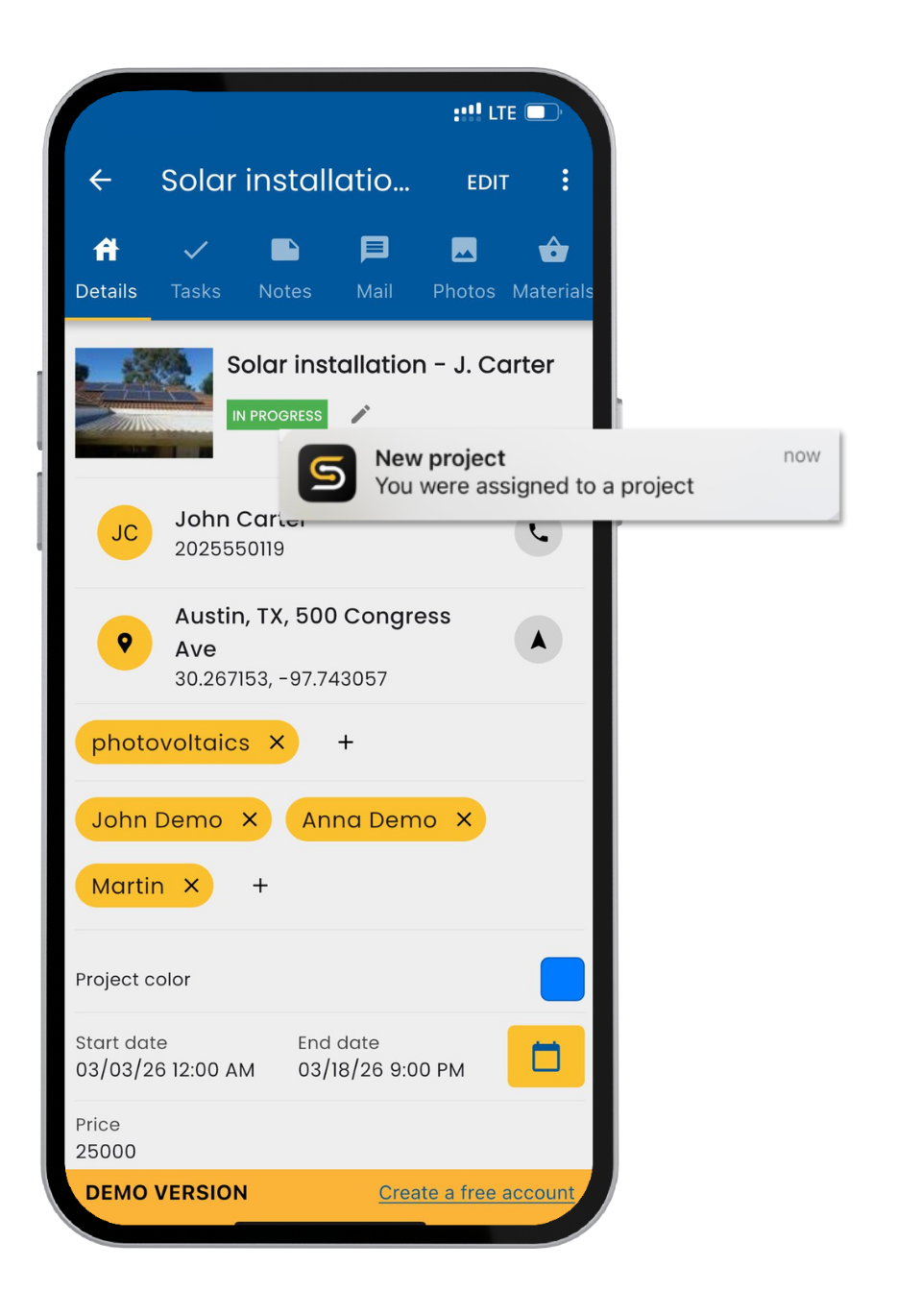
  1. Clickable notificationsPush notifications have become interactive. When tapped, they take the user directly to the related item, such as a specific project. This makes responding to new tasks or assignments immediate and convenient.
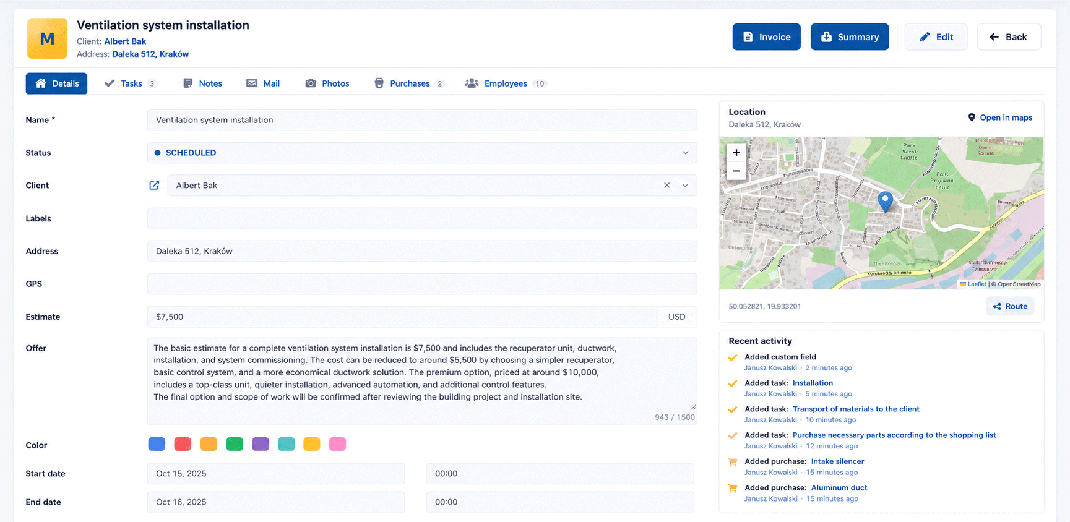
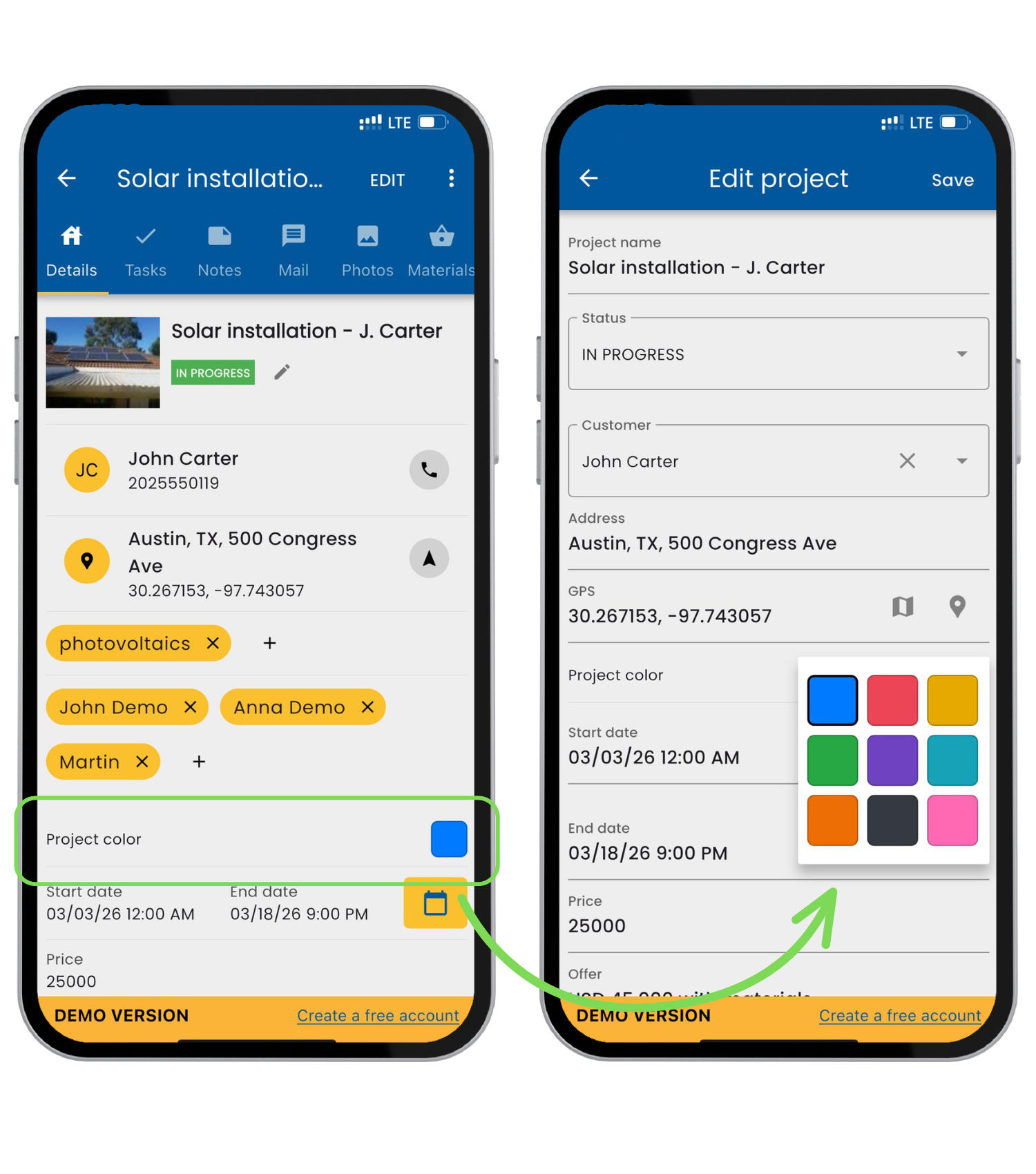
  1. Project colorsProjects can now be marked with colors, making them easier to distinguish visually in the calendar. Color selection is available in both the mobile and web apps, with automatic synchronization between platforms.

If you have any questions or feedback about the newly introduced features, be sure to write to us at speci@speci.io .